The CRF Library
A library of 50+ modular, reusable and CDISC-compliant CRFs for clinical trials.
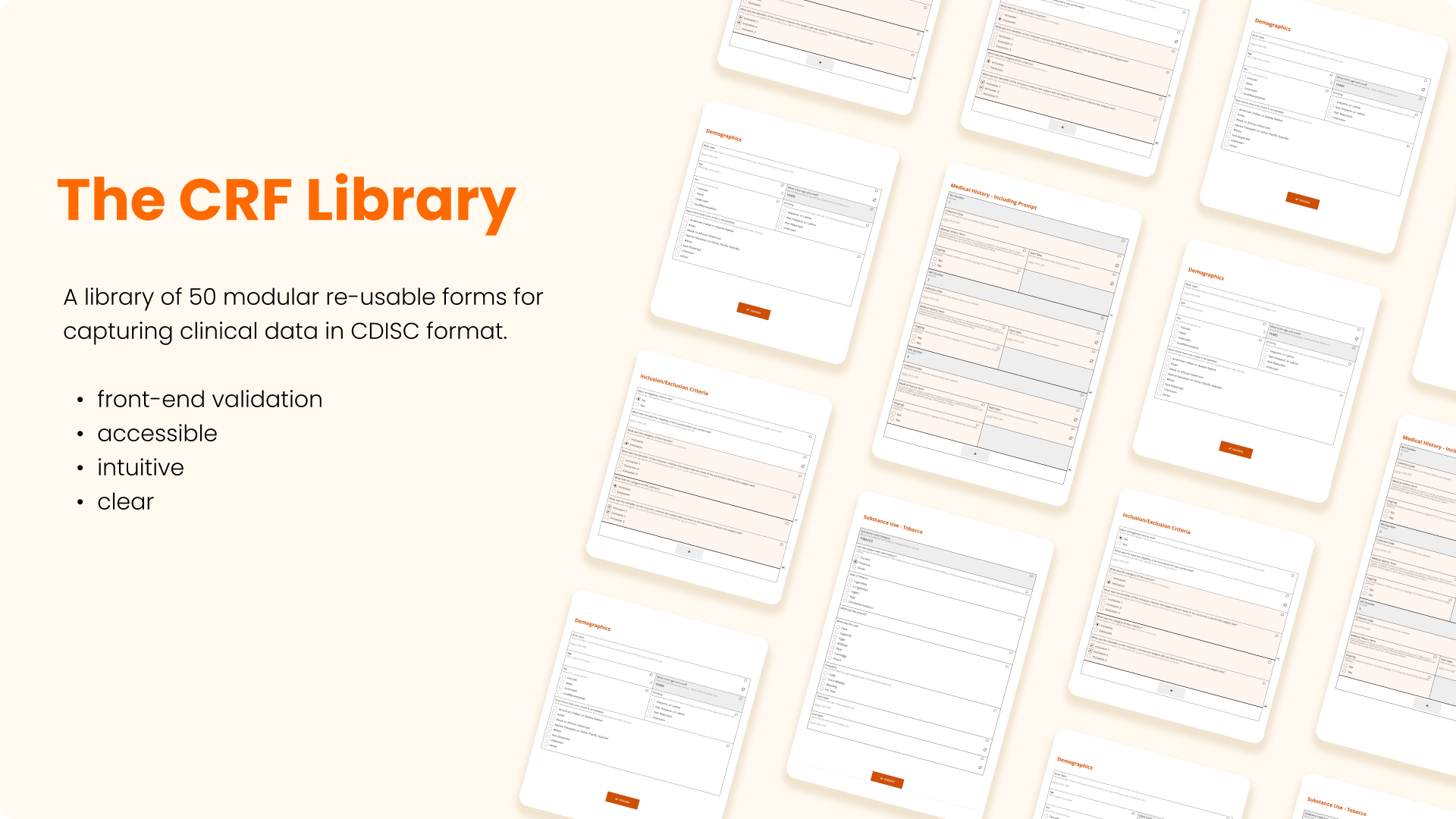
Case Report Forms (CRFs) are the backbone of clinical trials, used to collect data from patients.
What is the CRF Library?
The CRF Library is a collection of modular, reusable and CDISC-compliant CRFs for clinical trials. It is a web-based application that allows users to design and build CRFs for clinical trials, and to manage and maintain the CRF library.
What problems does it solve?
CRFs are the backbone of clinical trials, used to collect data from patients. They are also a significant source of errors in clinical trials. A study by the FDA found that 25% of all data errors in clinical trials were due to CRF design errors. The CRF Library solves this problem by providing a library of modular, reusable and CDISC-compliant CRFs that can be used to design and build CRFs for clinical trials. This significantly reduces the time and effort required to design and build CRFs for clinical trials and improves the accuracy of the data. Allowing us to design new studies in a matter of hours rather than weeks.
Key Challenges
(Almost) Infinite Flexibility in a Rigid Framework
Every novel study necessarily asks different questions, so it seems like an impossible task to create a library of reusable CRFs. If one study asks "Has the participant ever had asthma?" and another asks "Has the participant had COPD in the last 12 months?" it seems impossible that they could use the same CRF.
The key is to break down each question into its constituent parts: a disease, a time frame and a response.
Term (TERM) (hardcoded) SNOMED-CT code eg "Asthma" or "COPD"
Duration (DUR) (hardcoded) eg "ever" or "in the last 12 months"
Response (RESP) (user entered) eg "Yes" or "No"
By putting the above 3 fields into a repeating group and setting different hard-coded values for TERM and DUR, you can create a CRF that can create a medical history CRF that is immensely flexible with just 3 fields.
And just to demostrate how flexible this is, if you happen to have a study that asks if a narwhal has ever had an injury caused by falling from a hot air balloon, you can encode that in SDTM. It's as simple as:
SBJ-SPECIES:763003(SNOMED code for Narwhal)MHTERM:242208006(SNOMED code for "Injury caused by falling from a hot air balloon")MHEVTXT:EVER
I kid you not. And what's more these codes are hierarchical, so you could browse to by digging down from "Marine mammals" and "aircraft accidents" to get to the concept.
Of course now, you have to store the hard-coded values and code-sets in the database, which is where the define-xml standard comes in.
My Solution
If all of this is starting to feel like a lot to keep track of, you're not alone. Especially if your EDC system doesn't support CDISC standards, it can be a real PINTA to write to generate the necessary files to submit to the FDA. That's why I created Ocelot, an internal CLI tool to automate the creation of define-xml files and streamline the process of creating CRFs.
Using Ocelot, I was able to build up a library of 50+ modular, reusable and CDISC-compliant CRFs for clinical trials, which significantly reduced the time and effort required to design and build CRFs for clinical trials and improved the accuracy of the data. Allowing us to design new studies in a matter of hours rather than weeks.
Impact
The CRF Library has been used in over 5 clinical trials to date and has helped to reduce the time and effort required to design and build CRFs for clinical trials and improved the accuracy of the data. Allowing us to design new studies in a matter of hours rather than weeks.
My Role
I was Clinical Data Manager for all 10 Owlstone clinical studies from 2018 to 2026. A key driver for me was to ensure that we were compliant with CDISC standards, as this would allow us to submit our data to the FDA for regulatory approval. This was the driving force behind the Ocelot project and the CRF Library output.